



WATCH GUIDES & TUTORIALS
Deep into the unknown, like a galaxy without a map, Extreme was born.
Tutorials
HOW TO SET THE TIME
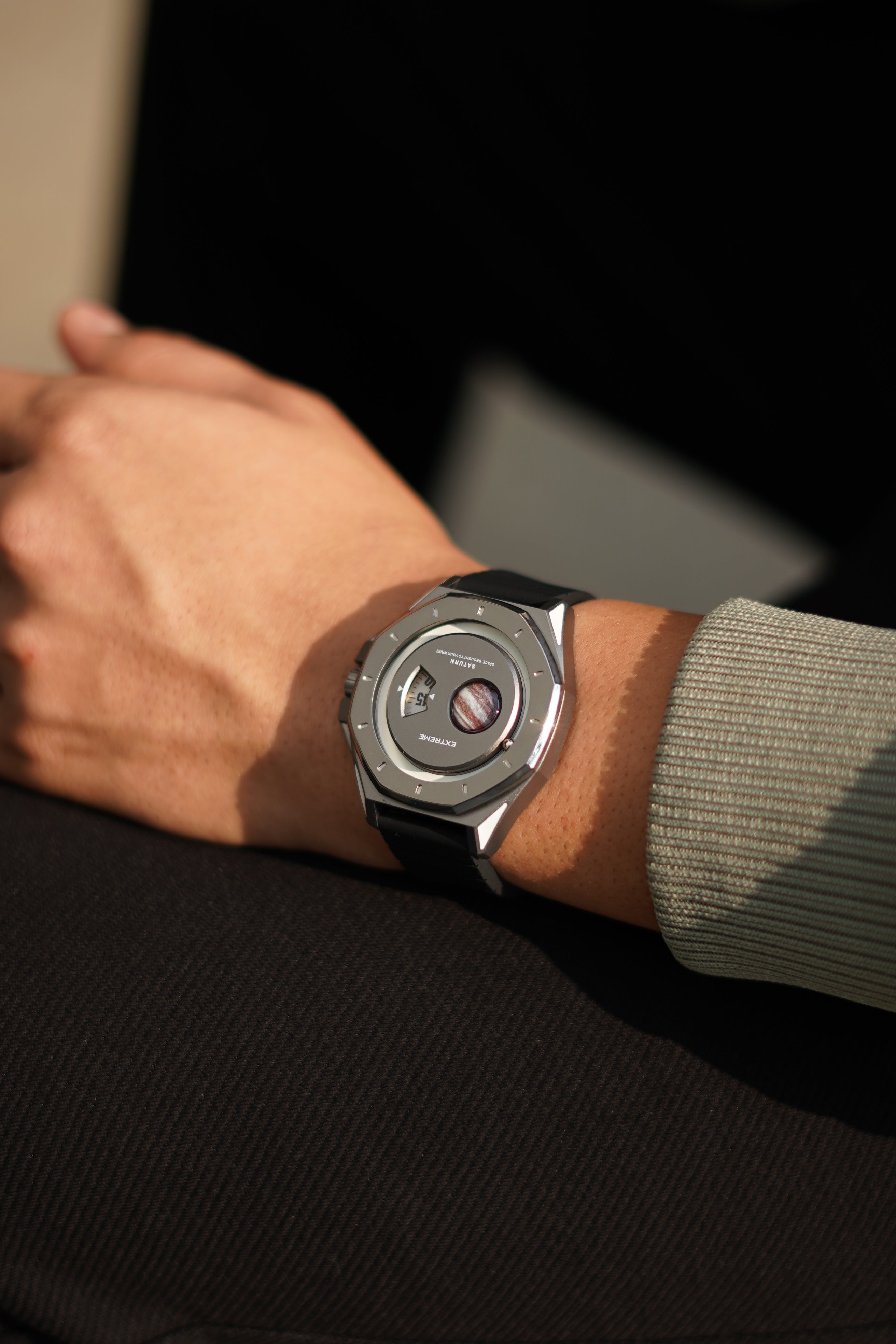
The Ignition uses two controls: Drive and Shift.
- Set the Minute Hand
Press the Drive button to move the minute hand forward.
Press repeatedly for precise adjustments, or press and hold to move the hand continuously.
- Set the Hour Disc
Press the Shift button to move the hour disc forward.
Continue pressing until the correct hour is displayed.
- Complete the Time Setting
Once the correct time is displayed, leave the watch untouched for approximately 15 seconds.
The controls will automatically become inactive, and the watch will continue displaying the time normally.
HOW TO ALIGN TO FACTORY SETTINGS
Important Notes
Use this guide only if the minute hand or hour disc is not correctly aligned.
Alignment restores the minute hand to 0 and the hour disc to 12. It does not set the current time.
After completing the alignment, you must set the watch to your current local time.
- Enter Alignment Mode
Press and hold the Drive and Shift buttons together for approximately 10 seconds, until the minute hand and hour disc enter alignment mode.
- Align the Minute Hand
Press the Drive button to move the minute hand forward.
Continue pressing until the minute hand is positioned precisely at 0.
- Align the Hour Disc
Press the Shift button to move the hour disc forward.
Continue pressing until the hour disc is aligned precisely at 12.
- Exit Alignment Mode
Leave the watch untouched for approximately 15 seconds. It will automatically exit alignment mode.
- Set the Current Time
Once both indicators are correctly aligned, follow the regular time-setting instructions to set your local time.
HOW TO SET THE TIME
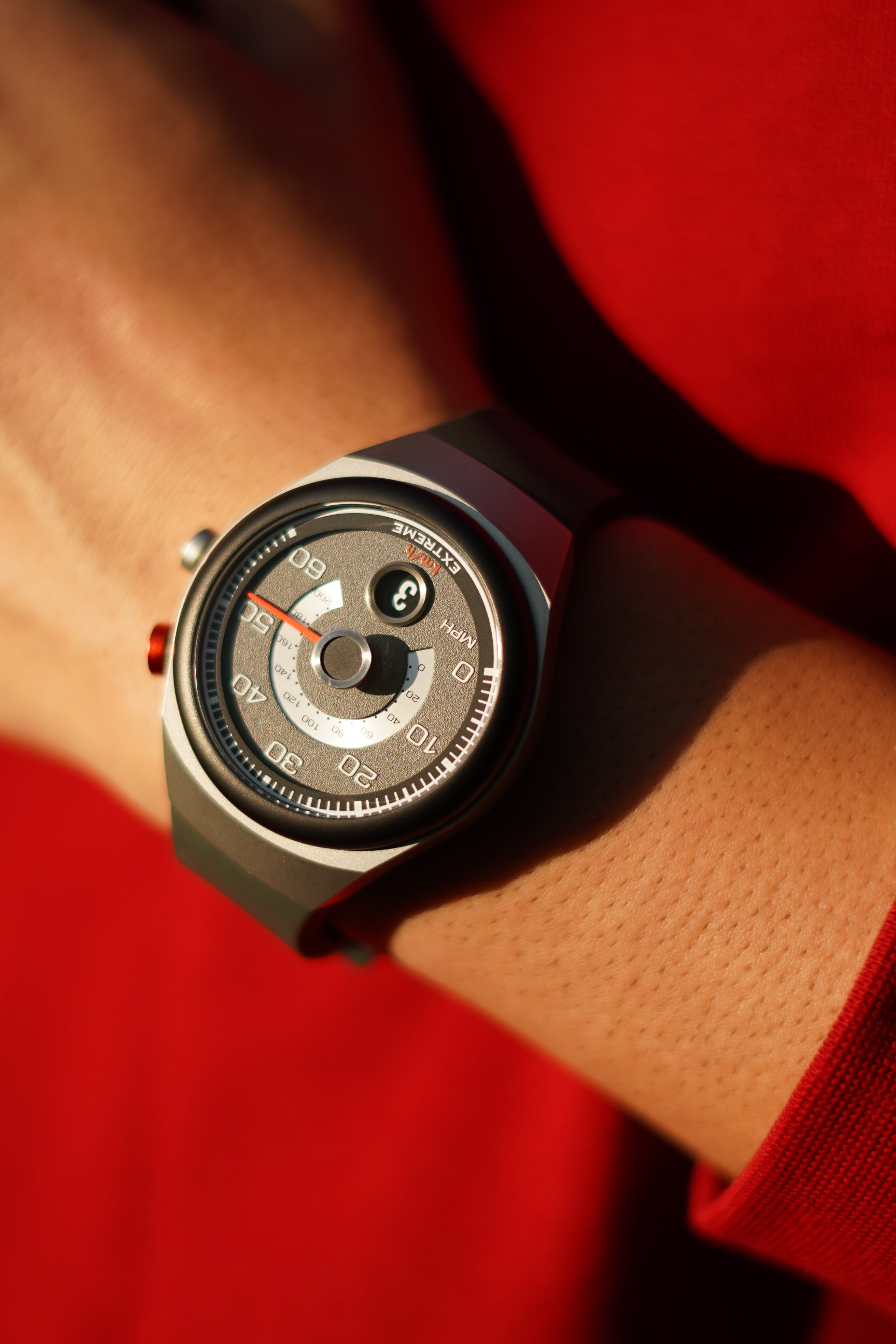
The Torque uses two controls: Drive and Shift.
- Set the Minute Hand
Press the Drive button to move the minute hand forward.
Press repeatedly for precise adjustments, or press and hold to move the hand continuously.
- Set the Hour Disc
Press the Shift button to move the hour disc forward.
Continue pressing until the correct hour is displayed.
- Complete the Time Setting
Once the correct time is displayed, leave the watch untouched for approximately 15 seconds.
The controls will automatically become inactive, and the watch will continue displaying the time normally.
HOW TO ALIGN TO FACTORY SETTINGS
Important Notes
Use this guide only if the minute hand or hour disc is not correctly aligned.
Alignment restores the minute hand to 0 and the hour disc to 12. It does not set the current time.
After completing the alignment, you must set the watch to your current local time.
- Enter Alignment Mode
Press and hold the Drive and Shift buttons together for approximately 10 seconds, until the minute hand and hour disc enter alignment mode.
- Align the Minute Hand
Press the Drive button to move the minute hand forward.
Continue pressing until the minute hand is positioned precisely at 0.
- Align the Hour Disc
Press the Shift button to move the hour disc forward.
Continue pressing until the hour disc is aligned precisely at 12.
- Exit Alignment Mode
Leave the watch untouched for approximately 15 seconds. It will automatically exit alignment mode.
- Set the Current Time
Once both indicators are correctly aligned, follow the regular time-setting instructions to set your local time.
HOW TO SET THE TIME
The Revline uses three controls: Drive, Shift and REV.
- Move the Time Forward
Press the Shift button to move the minute hand forward.
Press repeatedly for precise adjustments, or press and hold to move the hand continuously.
The hour disc will advance automatically when the minute hand completes an hour.
- Move the Time Backward
Press the REV button to move the minute hand backward.
Press repeatedly for precise adjustments, or press and hold to move the hand continuously.
The hour disc will move backward automatically when required.
- Set the Weekly Calendar
Press the Drive button to advance the weekly calendar.
Continue pressing until the correct day is displayed.
- Complete the Time Setting
Once the correct time and day are displayed, leave the watch untouched. The watch will continue operating normally.
HOW TO ALIGN TO FACTORY SETTINGS
Important Notes
Use this guide only if the minute hand or hour disc is not correctly aligned.
Alignment restores the minute hand to 0 and the hour disc to 12. It does not set the current time.
After completing the alignment, you must set the watch to your current local time.
- Enter Alignment Mode
Press and hold the Shift button for approximately 10 seconds, until the minute hand and hour disc enter alignment mode.
- Align the Minute Hand
Use the Shift or REV button to move the minute hand forward or backward.
Position it precisely at the factory position marked 0.
- Select the Hour Disc
Press the Drive button once to switch to the hour-disc adjustment.
- Align the Hour Disc
Use the Shift or REV button to move the hour disc forward or backward.
Align it precisely at 12.
- Set the Current Time
Once both indicators are correctly aligned, follow the regular time-setting instructions to set your local time.